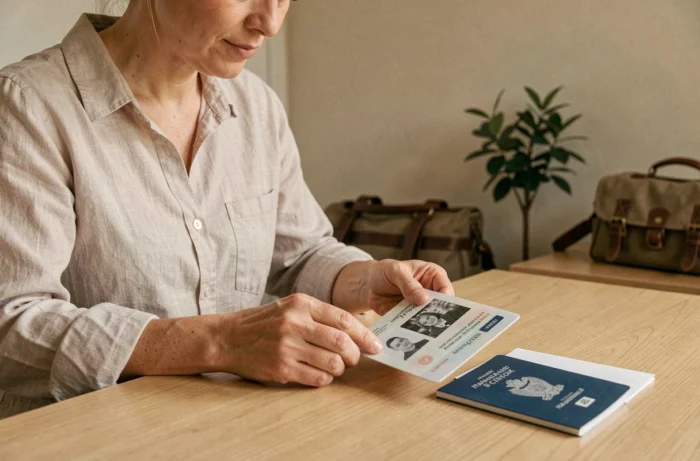
Photocopying your passport before a trip seems obvious, but the question of which pages to reproduce often remains unclear. Is the identity page with photo sufficient, or should more be copied? The answer depends on the destination, the type of visa, and the situation that the copy needs to cover (loss, control, visa renewal on-site). This article compares the useful pages according to the concrete scenarios a traveler may face.
Pages of the passport to photocopy: comparison based on use
Most travel guides recommend copying the double identity page. This is a minimum, not a maximum. Depending on the context, other pages become necessary.
| Use of the copy | Pages to reproduce | Recommended format |
|---|---|---|
| Standard identity check (hotel, rental) | Identity page (photo, number, validity dates) | Paper or digital |
| Report of loss or theft to a consulate | Identity page + pages with visas and entry stamps | Paper and digital |
| Application for emergency travel document | Identity page + stay pages (local visa, residence permit) | Paper required in most embassies |
| Renewal or extension of visa abroad | All used pages, sometimes the entire passport | Certified paper according to the country |
This table highlights a notable gap: the identity page alone only covers the most basic scenario. As soon as an incident occurs, consular authorities also request the pages of visas and stamps.
To delve deeper into the question of which pages to photocopy from the passport as a priority, there are guides that detail each case according to the destination.

Passport photocopy and emergency consular procedure
Lost passport abroad triggers an administrative race. Consulates issue an emergency travel document, but the process is significantly slowed down without supporting documentation.
Several embassies explicitly require, when available, a photocopy of the lost passport accompanied by pages proving the stay (local visa, residence permit, entry stamp). Without these copies, the identification of the traveler relies solely on internal databases, which prolongs the delays.
What consulates check on the copies
- The passport number and validity dates on the identity page, to initiate the search in the national file
- The visas and entry stamps, which prove the legality of the stay in the country and avoid additional checks with local authorities
- The signature page and any mentions of possible restrictions, sometimes required for passports with specific annotations
Keeping these copies in digital format (photo on phone, file in an online storage service) provides an additional safety net. The paper can be lost along with the passport if both are in the same luggage.
Visa and stamp history: why copy beyond the photo page
Some countries analyze the travel history of the applicant when applying for a visa. For a Chinese visa, for example, consular authorities request copies of all visas and stamps from previous trips. The logic is clear: the history of entries and exits serves to assess the traveler’s profile.
This practice is not limited to China. For a Schengen visa requested from certain countries, the required passport copies include all used pages of the current passport, including blank stamped pages.
Visa renewal during the stay
A traveler extending their stay or changing visa status on-site often needs to provide a complete set of copies. Copying only the identity page means preparing an incomplete file. Pages containing the initial visa, entry stamps, and any extensions are systematically requested.
In contrast, for a simple short tourist stay in the European Union with a valid French identity card, photocopying the passport is not even necessary. The passport itself is optional in the Schengen area for French nationals.
Paper copy or digital copy of the passport: which is more reliable
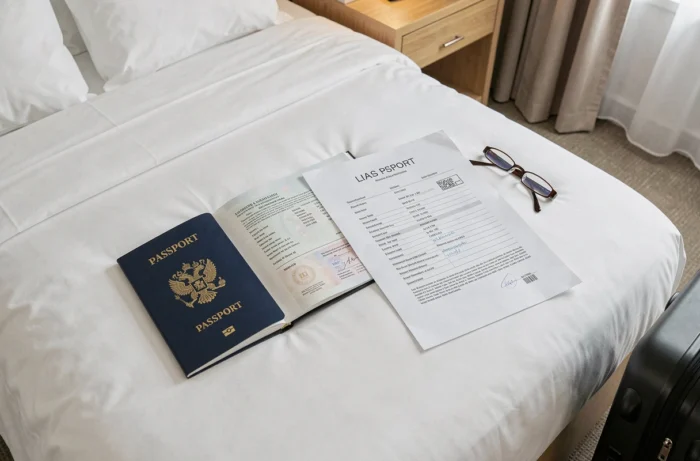
The classic reflex remains the paper photocopy slipped into a bag separate from the passport. This precaution retains its value, but digital storage offers a redundancy that paper alone does not guarantee.
A file saved in an online storage service remains accessible from any connected device, even if all luggage is lost or stolen. The combination of both formats (paper in a bag, digital in the cloud) increases the chances of having a usable copy at the critical moment.
Precautions for digital copies
Storing an image of the passport on an unlocked phone or in a shared folder exposes one to the risk of identity theft. A few precautions can reduce this risk:
- Protect the file with a password or place it in an encrypted folder, not just in the photo gallery
- Use an online storage service with two-factor authentication
- Never send the copy via unencrypted messaging (SMS, regular email) unless absolutely necessary
- Delete temporary copies after the trip to limit exposure
The PDF format is preferable to a simple photo, as it is easier to print in a readable format if a consulate requires a paper version.
The question of which pages to photocopy boils down to a simple rule: copy everything that has been stamped, annotated, or glued in the passport, not just the page with the photo. A traveler who leaves with a complete set of copies, in both paper and digital formats, has a usable file regardless of the incident encountered.
For short stays in Europe with an identity card, photocopying the passport remains optional, but photocopying the identity card follows the same precautionary logic.